Discord server management for community managers and agencies
One VaultCord account for every client server: staff seats with per-server permissions, verification in front of the door and backups you can restore from.
| Server | Verified | Last backup | Staff |
|---|---|---|---|
| Northfield Esports | 8,412 | 2h ago | 6 |
| Lumen Studio | 2,105 | Yesterday | 3 |
| Harbor Lane Coffee | 612 | 3 days ago | 2 |
| Quietwater RP | 14,980 | 40m ago | 11 |
Made-up servers. Each one can have its own staff list, bot and verification settings.
What managing a client's Discord server involves
Four parts of the job. Discord gives you the settings for most of it. VaultCord covers the parts Discord leaves to you: who gets in, what you can restore and who on your team can touch which server.
- Verification levelLow
- Explicit media filterAll members
- Rules channel#rules
- Community updates#mod-updates
- 2FA for moderationOn
Setup and Community settings
A client server starts with structure: roles in the right order, private staff channels, Community turned on with its required safety settings, onboarding questions and 2FA required for moderation actions.
With VaultCord: VaultCord adds a verification channel and a branded bot that posts the verify message.
Discord Community settings, explainedAutoModAPPToday at 21:14
AutoMod has blocked a message in #general
Rule: Block Mention Spam
@everyone @everyone free nitro here
Moderation
Most moderation is written down before it happens: rules members can read, AutoMod rules that catch the obvious, an alert channel and a short playbook for who times out, kicks or bans.
With VaultCord: VaultCord's rejected member queue lets your team accept or deny people who failed a check.
What moderation services includeVerify to enter Lumen Studio
Sign in with Discord and pass the captcha. It takes a few seconds.
Verification and raid response
New members sign in with Discord on a verification page before they get the member role. That is where bots and alt accounts stop.
With VaultCord: Minimum account age, captcha and password protection on every plan. Alt detection, VPN/proxy/cellular blocking, user/IP/country blocklists and ASN blocking on Premium and Plus.
Raid response in the management guide- Backup saved · Quietwater RP21:02
- Staff seat removed · former-mod@…21:05
- Owner changed in Discord · by client21:11
- Seat added for the client's mod · per-server access21:12
Backups and handover
Contracts end and moderators move on. Keep a current backup, remove seats on the day someone leaves and leave the client holding the Discord ownership.
With VaultCord: Channels, categories, roles, permissions and server settings. Paid plans add messages, emojis, stickers, bans and member role assignments. Backups are kept for life, not rotated out after a short period.
What a community manager hands overFrom the first day on a client server to the last
- 01
Audit
Join with a staff role, read the permission list for every role and note who has Administrator. Save a first backup before you change anything.
- 02
Lock the door
Turn on Community, set the verification level, require 2FA for moderation, put the verification page in front of the member role.
- 03
Run it
Weekly: read the AutoMod alerts and audit log, clear the rejected queue, check the backup is recent, answer the client's questions.
- 04
Hand over
Final backup, remove your team's seats, and the client keeps ownership. Nothing depends on one person's login.
A monthly scope sheet for one client server
This is a template, not a client. Copy it into your proposal and change the names. Writing down who owns each task is what keeps a server running when one person is away.
Staff on VaultCord are invited by email and given access per server, so the scope sheet and the permission list match.
| Task | Owner | Where it lives |
|---|---|---|
| Daily moderation in chat and voice | Moderators | Discord: AutoMod, timeouts, audit log |
| New member checks | Lead moderator | VaultCord: verification page, rejected queue |
| Raid response | Whoever is on shift | Discord: pause invites. VaultCord: blocklists |
| Weekly backup check | Community manager | VaultCord: backups (scheduled on Plus) |
| Staff joins or leaves | Community manager | VaultCord: staff seats. Discord: roles |
| Monthly report to the client | Community manager | Discord: Server Insights (Community servers) |
Plans priced per account, not per seat
Staff seats are free on every plan. You pay for how many servers and bots the account runs.
Free
$0 / moFor a single client trial
- 1 server, 1 custom bot
- 10h pull cooldown
- Unlimited staff seats
- Captcha, account age and password protection
- Basic backups
Premium
$4.97 / mo$2.33/mo billed yearly · Save 53% yearly
- Everything in Free, plus
- 5 servers, 3 custom bots
- 1h pull cooldown
- Alt detection and VPN/proxy blocking
- User, IP, country and ASN blocklists
- Messages, emojis, bans and member roles in backups
- Custom verification domain
- Verification and webhook logs
Plus
$9.97 / mo$3.83/mo billed yearly · Save 62% yearly
- Everything in Premium, plus
- Unlimited servers and custom bots
- No pull cooldown
- Scheduled automatic backups
- Pull from several servers at once
- Kick unauthorized members automatically
- Developer API
Unlimited restorable members on every plan, Free included. Pulls run at one member every 0.98 seconds, on every plan. Full comparison on the pricing page.
Notes for people who run Discord servers for a living
- Discord Community settings, explained one by oneWhat Discord's Community settings require, what they add and how to set each one on a client server, checked against Discord's help center in November 2026.
- Discord server management guide for servers you run for someone elseA working Discord server management guide: roles, permissions, 2FA for moderation, AutoMod, raid response, audit logs and backups, plus tips that hold up.
- What does a Discord community manager do?What a Discord community manager does each week, a sample job description, how people get into the role and how to scope paid work for a client server.
- Discord moderation services and the rules behind themWhat Discord moderation services include, how to write moderation rules a team can enforce, and the settings to switch on before you hire or train moderators.
FAQs
The questions people ask before they hand a server over.
Something not covered? Ask at help.vaultcord.com.
What does Discord server management actually cover?
Setup (roles, channels, Community settings, onboarding), day-to-day moderation, raid response, member verification, backups and the handover when a contract ends. VaultCord handles verification, backups, member restore and staff access. Discord's own AutoMod and your moderators handle the conversation.
Can my moderators use VaultCord without sharing the owner's login?
Yes. Unlimited staff accounts for free, invited by email, with per-server permissions. You invite each person by email and choose which servers they can touch. Remove the seat when they leave.
Which plan suits an agency with several client servers?
Premium ($4.97/month, $2.33/month billed yearly) covers 5 servers and 3 custom bots. Plus ($9.97/month, $3.83/month billed yearly) has unlimited servers and bots, scheduled backups and pulling from several servers at once.
What is in a VaultCord backup?
Channels, categories, roles, permissions and server settings. Paid plans add messages, emojis, stickers, bans and member role assignments. Backups are kept for life, not rotated out after a short period.
If a client server is deleted, can the members come back?
Members who verified through VaultCord authorized it, so you can pull them into a new server at one member every 0.98 seconds, on every plan. Auto-pull members into a replacement server if your server is deleted. Unlimited restorable members on every plan, Free included.
Does VaultCord replace Discord's AutoMod or a moderation bot?
No. AutoMod filters messages inside Discord and your moderation bot handles warnings and logs. VaultCord sits in front of the server (verification, captcha, account age, alt and VPN checks) and behind it (backups and member restore).
Can I manage client servers from my phone?
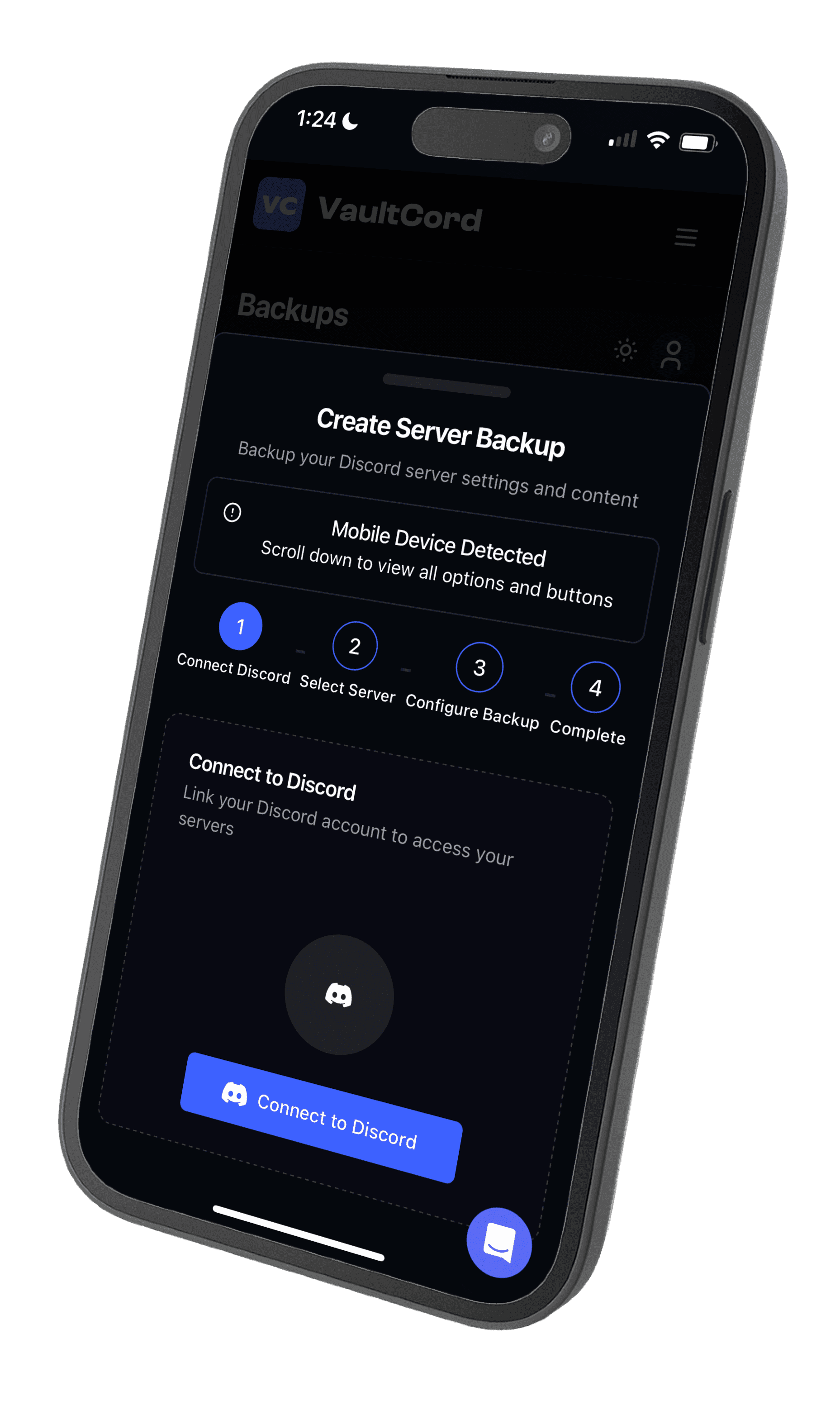
Yes. VaultCord has iOS and Android apps, and the slash commands (/verify-embed, /pull, /info, /backup, /massrole, /unrole) work inside Discord.
Put your client servers on one account
Start free with one server and move up when the roster grows.